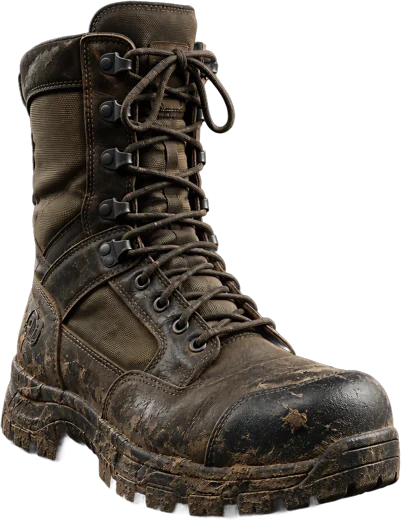
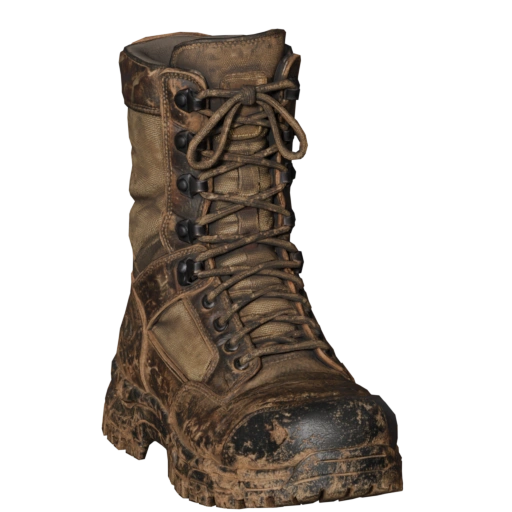
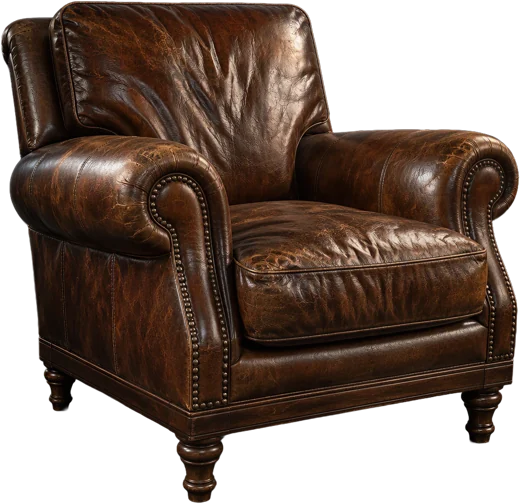
01
Ideate
Start from a prompt or a photo
Generate concepts, remove a background, or build a Front, Left, Back and Right sheet before anything becomes geometry.
Every idea stays a node you can rewire later.

One photo, one textured model. 3D modeling easier than ever.
Start with a sentence or a snapshot. NexNode shapes it, textures it and sets it down in your scene, one node at a time.
Generate concepts, remove a background, or build a Front, Left, Back and Right sheet before anything becomes geometry.
Every idea stays a node you can rewire later.
Turn the image, or the whole multi-view sheet, into a mesh. Pick triangles or quads, set a polygon budget, get PBR textures up to 8K.
Swap the reference, keep the graph, run the next asset.
Retopologise with Smart Low Poly or a plain remesh node. The result imports into your scene, and credit is only spent once the provider delivers.
Credit is held, then spent only when the provider delivers.
Write a prompt, get an image, turn it into a textured model and drop it into your scene. One node graph, nothing else to install.
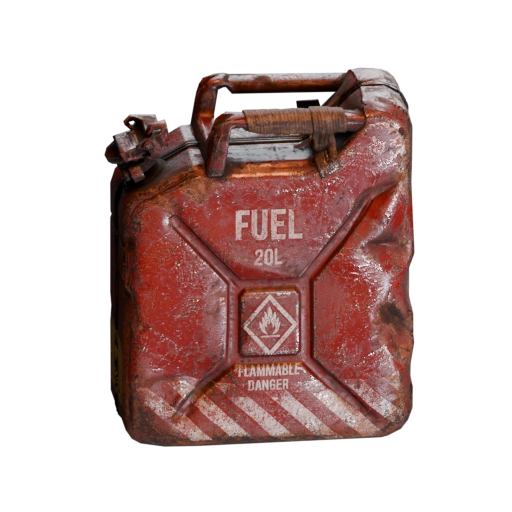
Rusty red 20 L jerrycan, worn paint, game-ready prop, plain white background
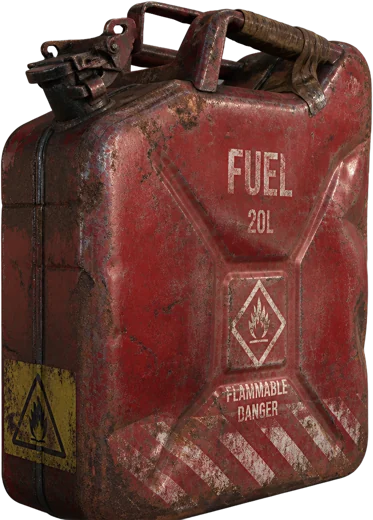
Simple enough that your grandma could make a model. She would only need Blender.
Pick a photo and get a textured model back. If you can choose an image, you can make a 3D asset, whether it is your first or your thousandth.
Modelling and texturing that used to fill a day now runs while you refill your coffee. Not happy with it? Rewire a node and run it again.
Every result is an ordinary Blender object with its textures attached, so it exports to whatever engine, store or printer comes next.
Inputs, generators and processors are nodes with typed sockets. Anywhere an image is expected, an Image Input, an Image Collection or a Multi View will fit.
The PBR Model workflow builds the mesh, retopologises it, unwraps the UVs and bakes the textures in one run.
Build a four-view sheet and regenerate the one angle that came out wrong, without touching the other three.
Triangles or quads, a polygon budget you set, and Smart Mesh when you need something light enough for real time.
Double-click a thumbnail to open it in Blender's Image Editor: pick a model and resolution, add references, remove a background.
GLB, FBX, OBJ, USD, STL and many more
Credits every month, a few generations at once, history that stays.
Yearly billing is on its way. Monthly plans can be cancelled at any time.
One payment, no subscription. Credits never expire, and bigger packs cost less per credit.

≈ 53 image-to-3D generations · base rate 250 credits = $1

6,750 credits
$25one payment
$0.93 per 250 credits · 7% less than the base rate
Covers the 4,000 you picked, with 2,750 to spare.
Buy 6,750 creditsSubmitting a job reserves credit. It is only spent once the generation succeeds.
If the provider charges less than the estimate, the difference returns to your balance.
A job that fails before it reaches the provider releases its whole reservation.
A retried or duplicated request resolves to the same job. One submission, one charge.
Yes. The add-on is free to install and free to use. Generations use credits, because they use provider capacity, and you pay what that capacity costs.
250 credits equal $1 at the base rate. A standard image-to-3D generation uses about 75 credits, so the 600 welcome credits cover roughly 8 generations. Higher-quality settings cost more, and you always see the quote before a run.
Credit is reserved when you submit and only spent when the generation succeeds. If a job fails before it reaches the provider, the whole reservation is released.
No. Credit packs never expire. Plan credits land on your renewal date and stay on your balance; topping up never resets them.
NexNode is built for Blender 5.2. You sign in from inside Blender, and results import straight into the open scene.
Any time, from your billing page. Your access continues until the end of the period you paid for.
600 one-time credits are added the first time you sign in from Blender, once per person and per computer.