Edit right on the mesh.

Auto UV

One click: 30 islands.
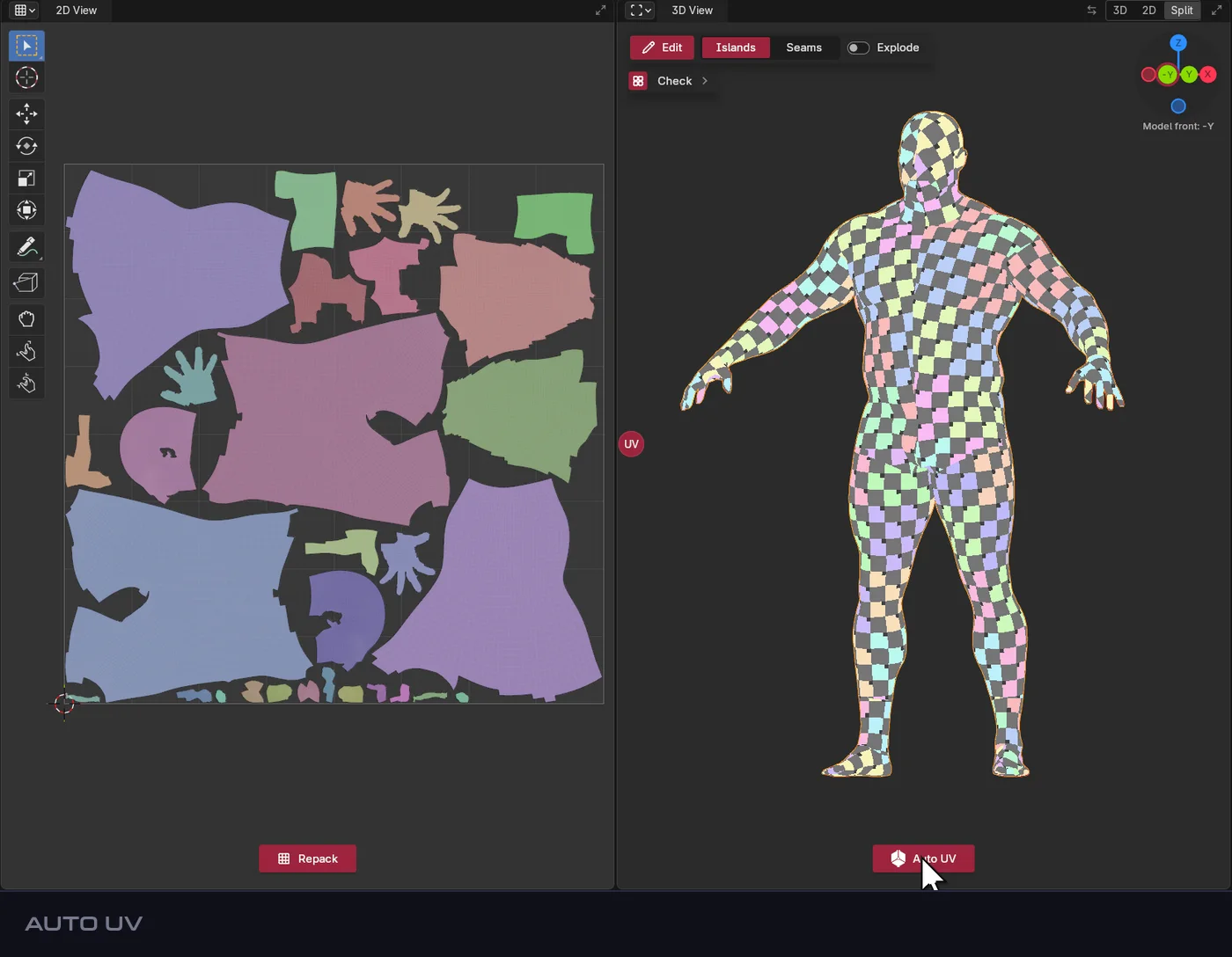
The NexUV workspace: Auto UV. One click: 30 islands.

Select

Click an island. It lights up in both views.
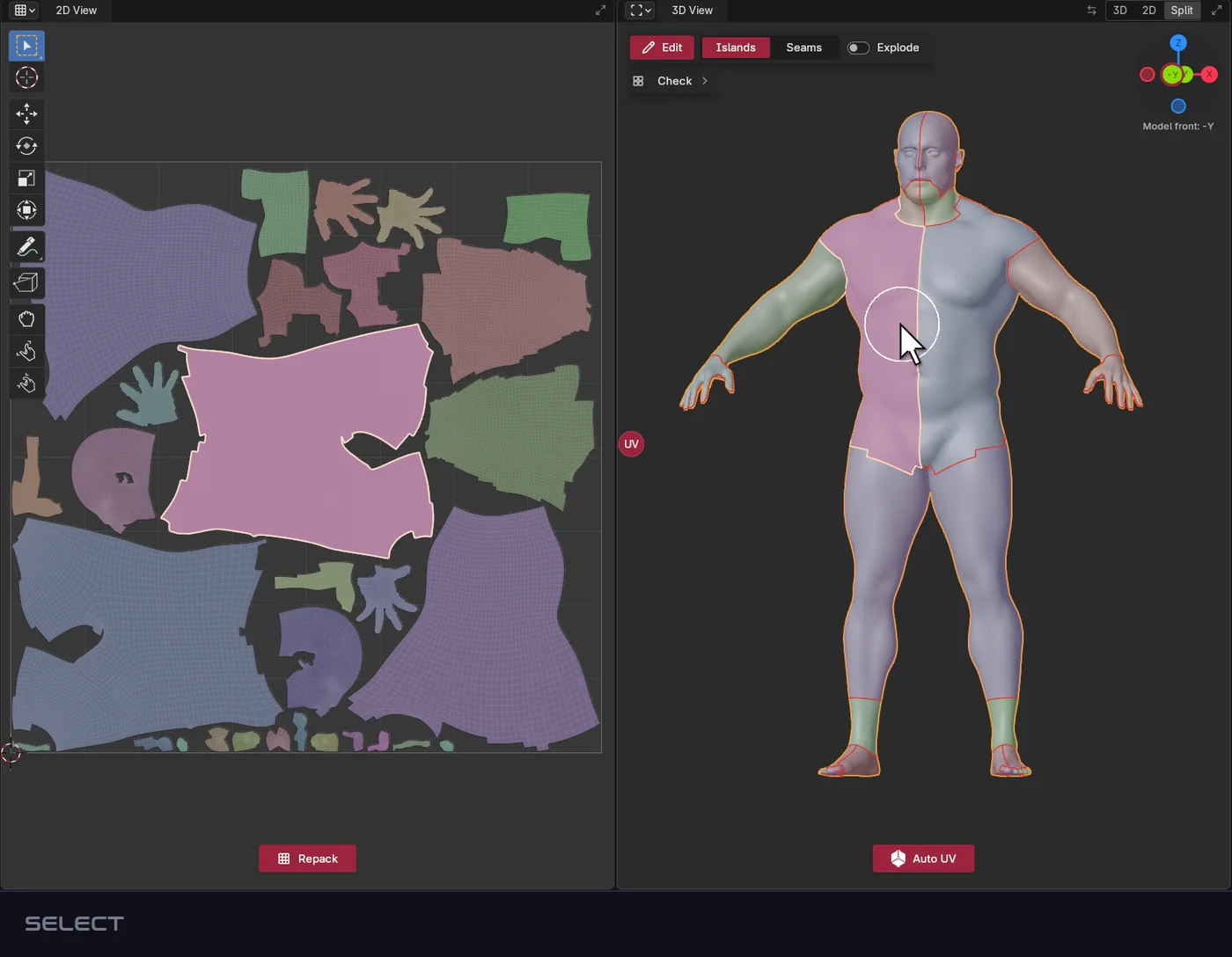
The NexUV workspace: Select. Click an island. It lights up in both views.

Paint

Shift + drag paints a new island. Enter makes it.
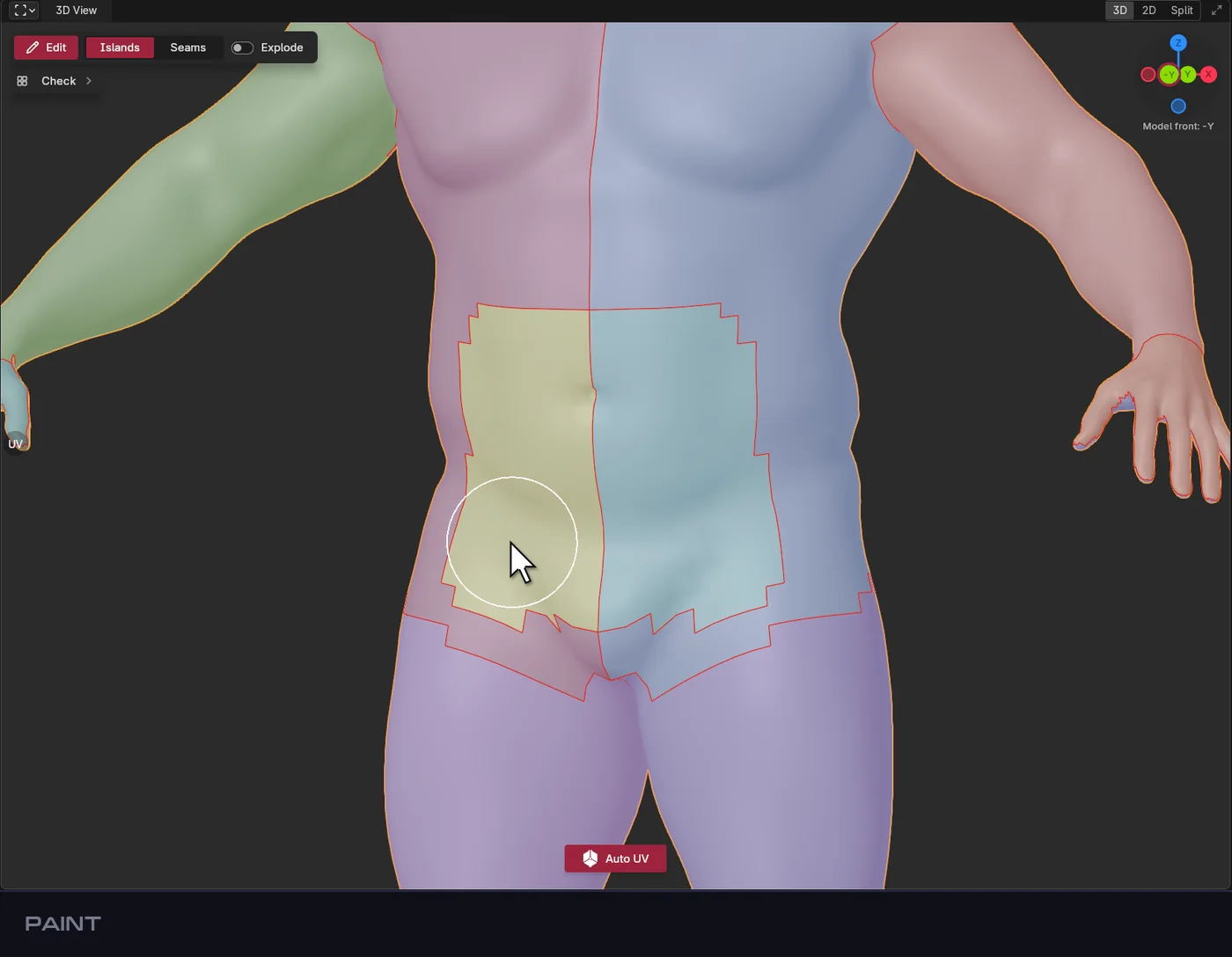
The NexUV workspace: Paint. Shift + drag paints a new island. Enter makes it.

Split

Press Y: the leg is cut in two at its best seam.
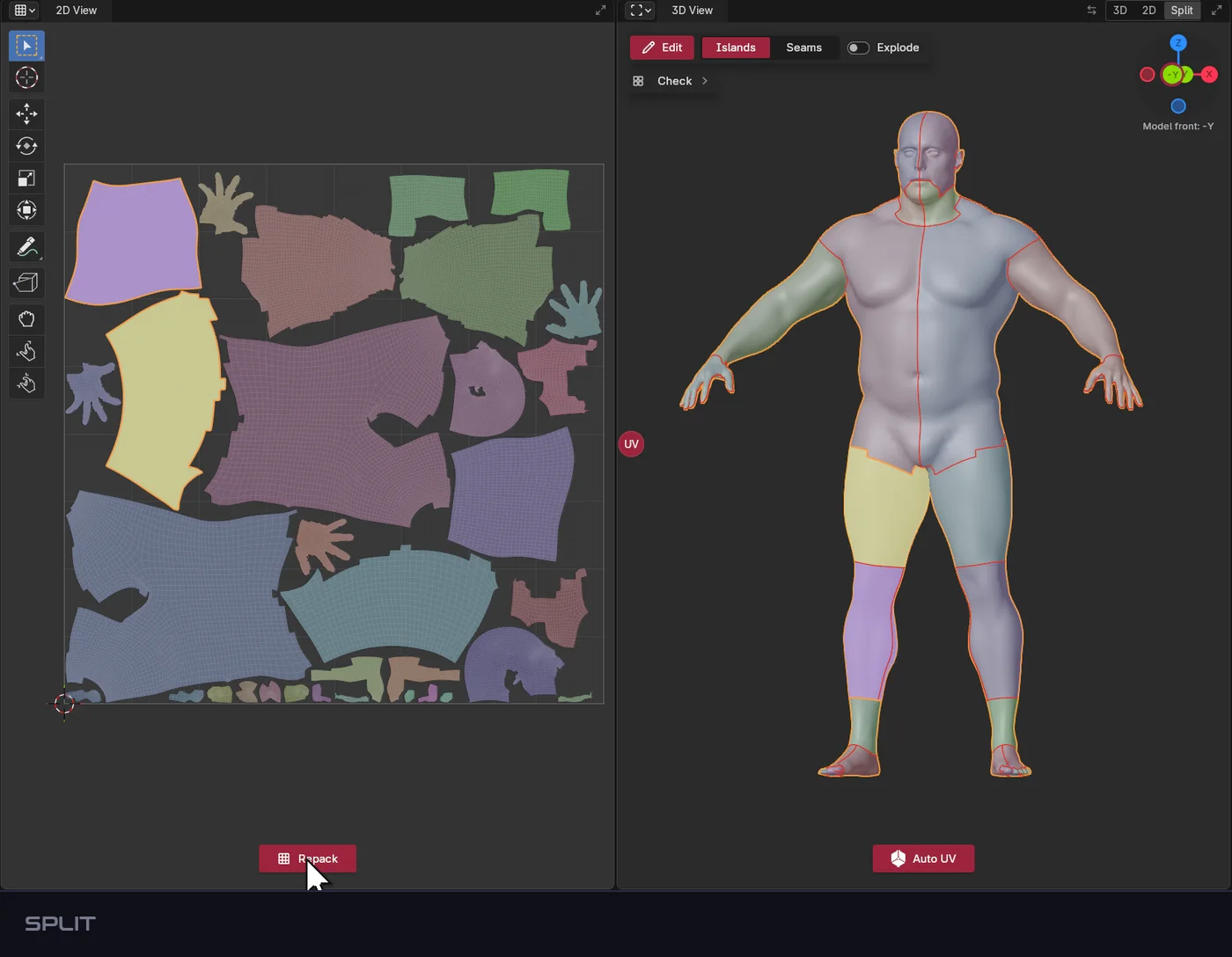
The NexUV workspace: Split. Press Y: the leg is cut in two at its best seam.

Merge

Select islands that touch, press M: they become one.
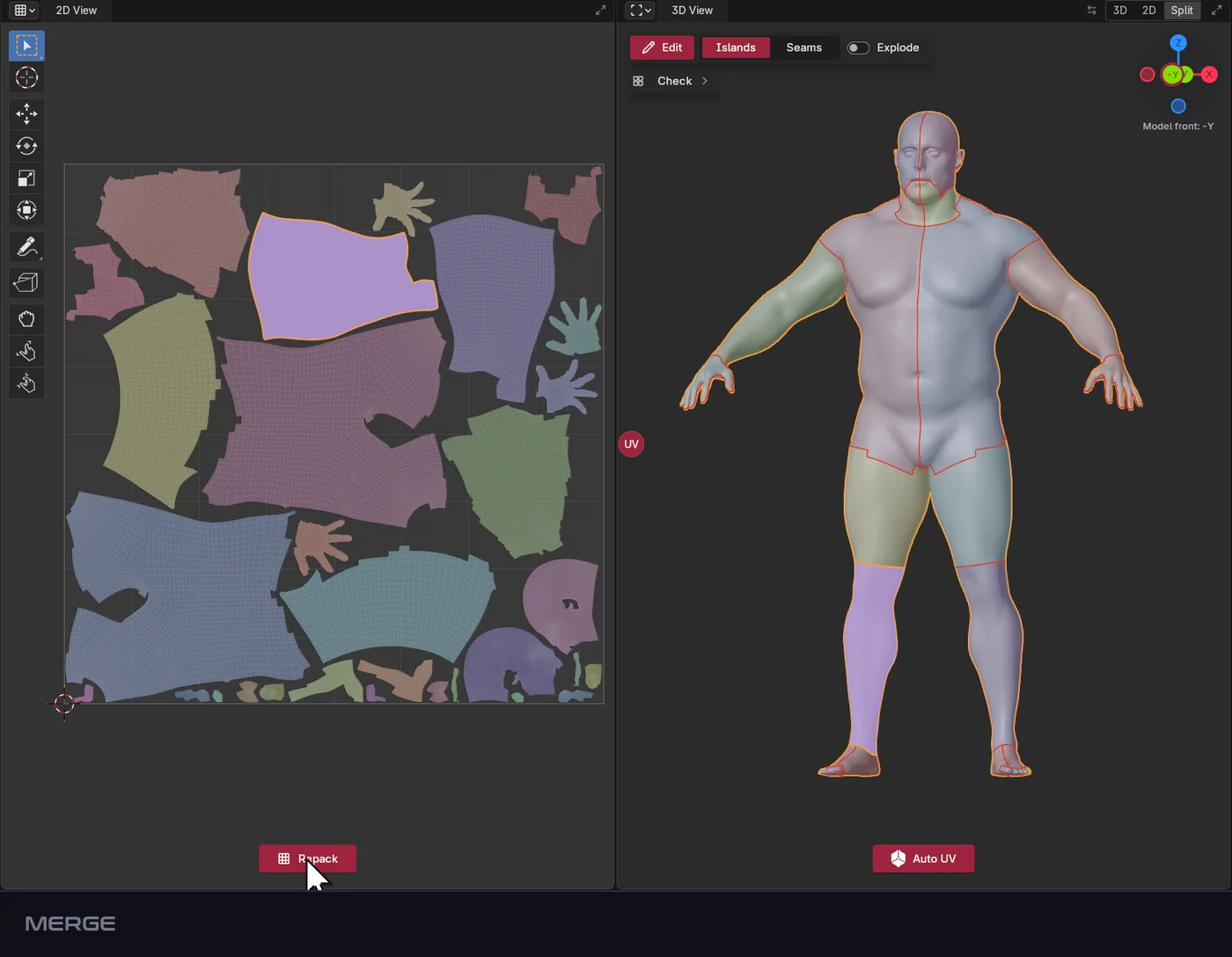
The NexUV workspace: Merge. Select islands that touch, press M: they become one.

Seams

Alt + click a loop, click two points for a path. Enter unwraps.
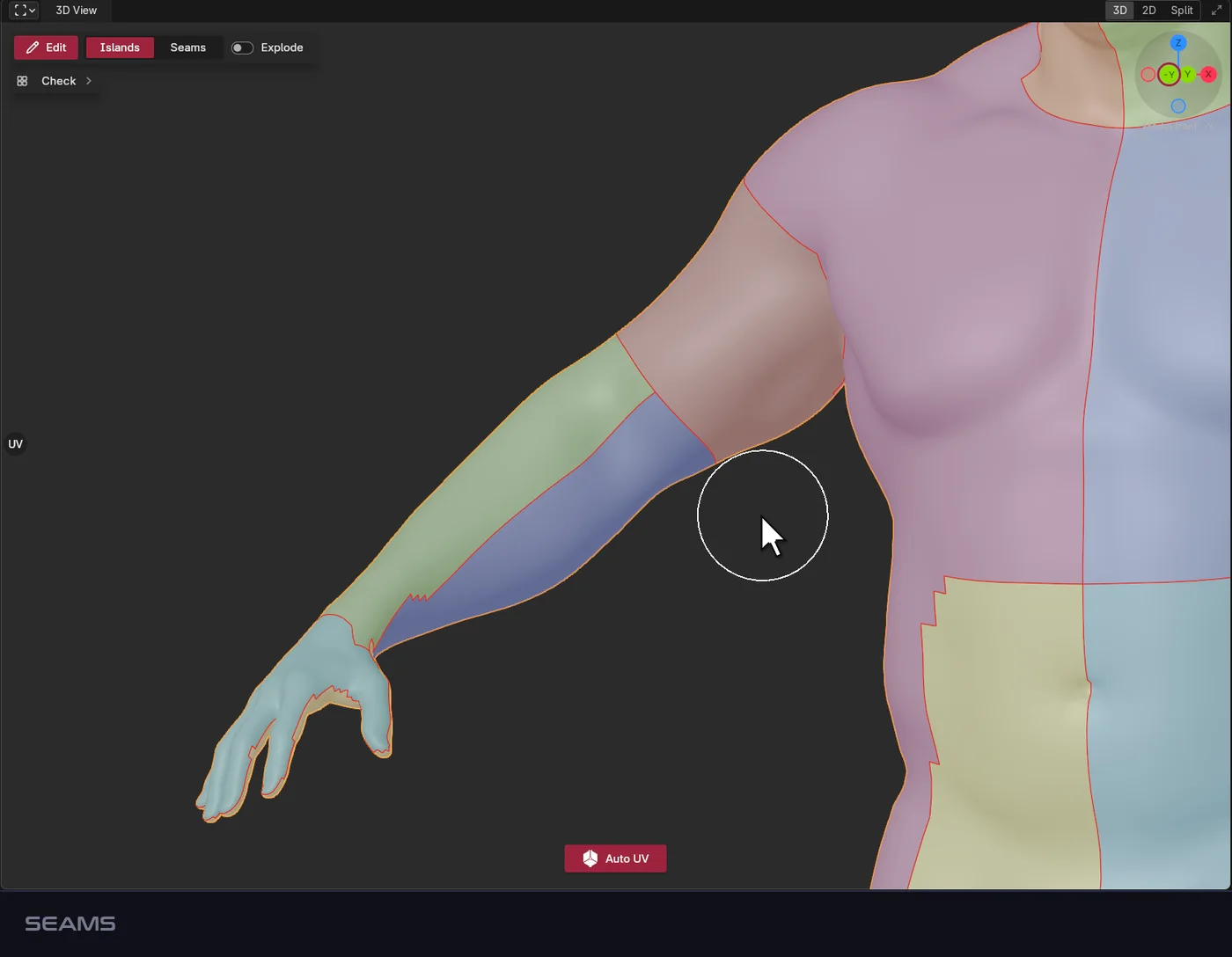
The NexUV workspace: Seams. Alt + click a loop, click two points for a path. Enter unwraps.

Check

Blue means no stretch. Analyse gives the numbers.
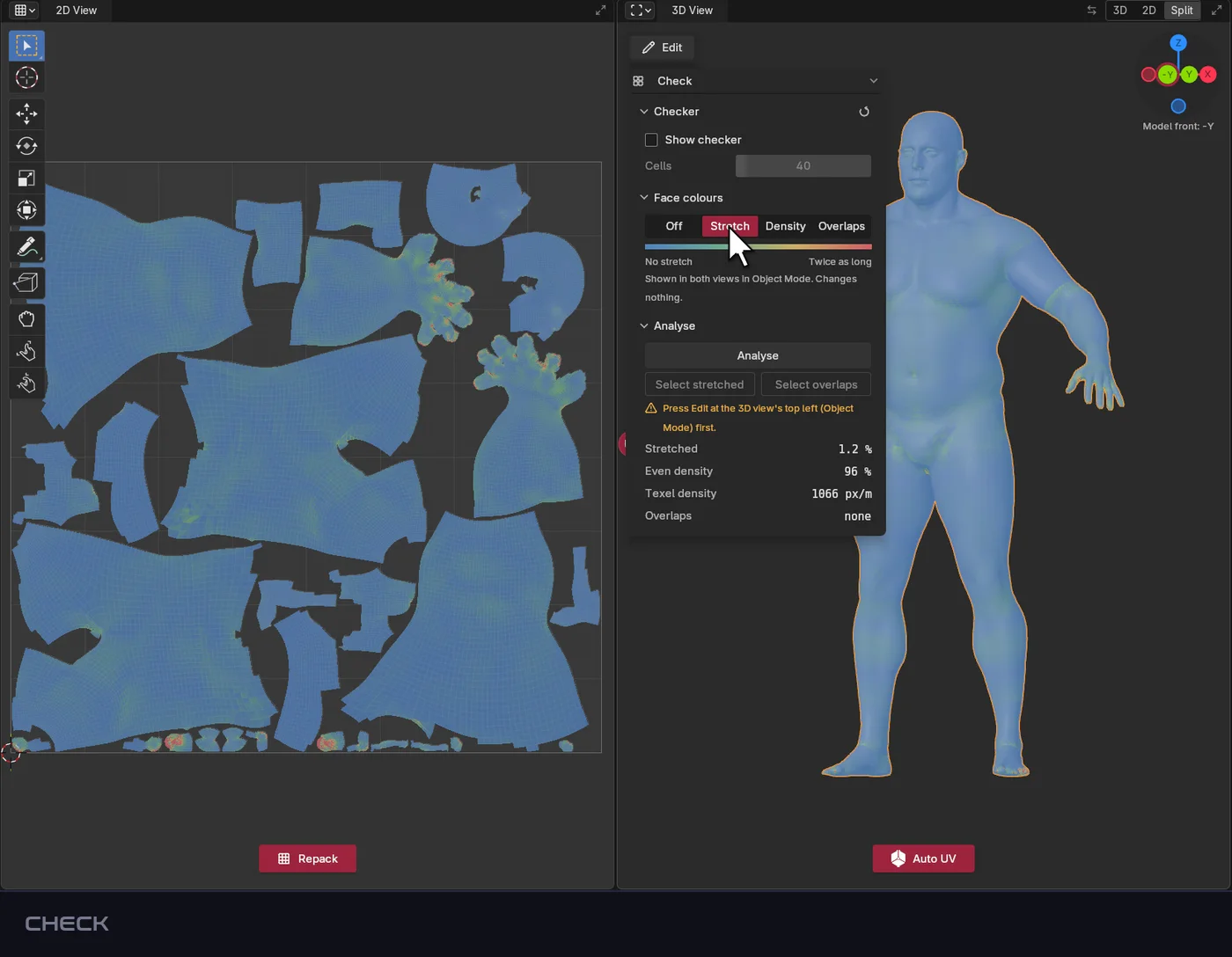
The NexUV workspace: Check. Blue means no stretch. Analyse gives the numbers.